
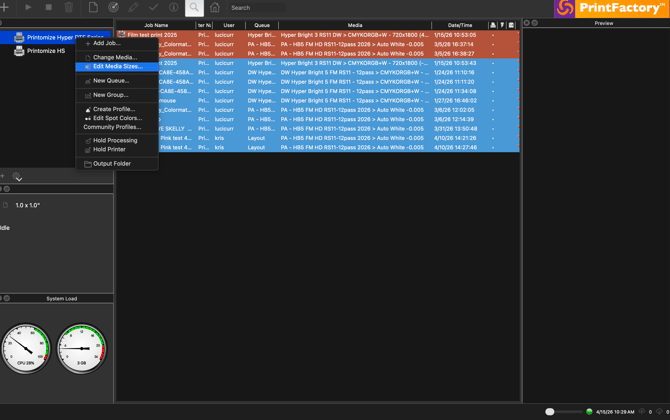
1. In Printfactory RIP right click your printing device at the top left panel and select "Edit Media Sizes"
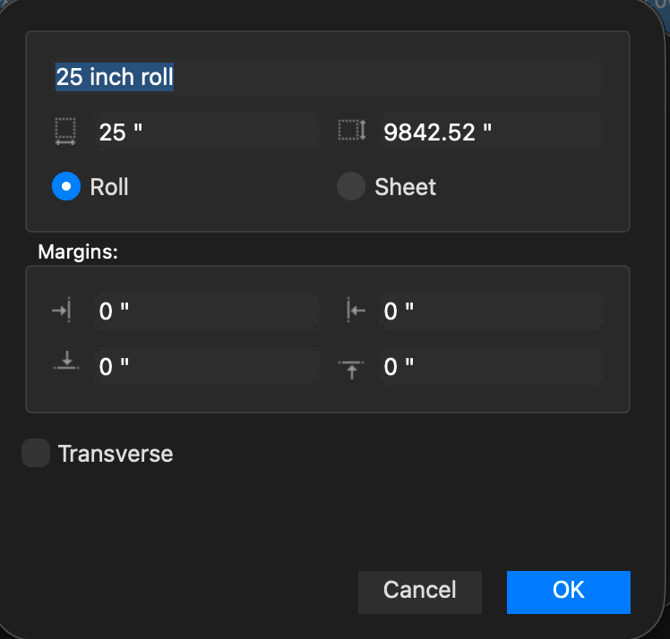
2. In "Edit Media Sizes" window at the very top give a name to your new media/film. right below change the width and height to match the media / film you would like to add and than select ok.
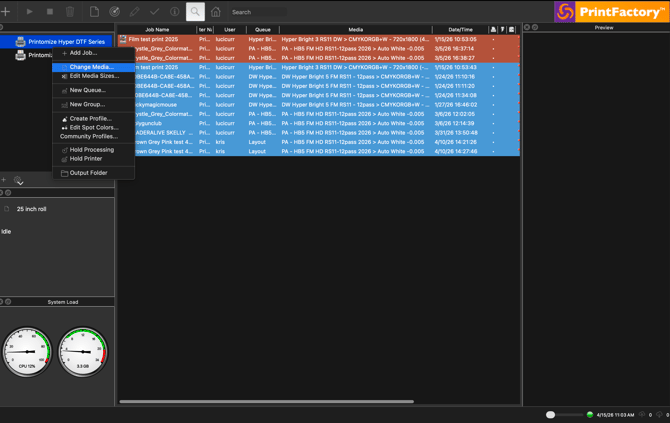
3. Return back to the top left portion of the RIP and left you printer. This time select "Change Media"
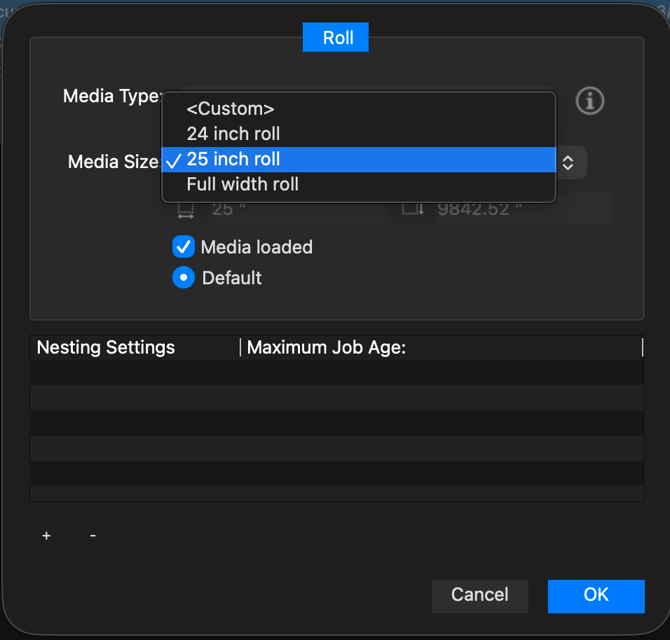
4. Select the desired media you just created. and make sure "media loaded" and "default" options are both checked/selected. Once complete press "OK".
5. go to the top left of the RIP window and press the "+" button to open up your layout to confirm new media width is an available option.
Complete.